

SO SUSHI
One order. From screen to kitchen to doorstep.
We built a connected ordering ecosystem that brings customer ordering, pre-orders, scheduled orders, kitchen operations and direct delivery into one system.
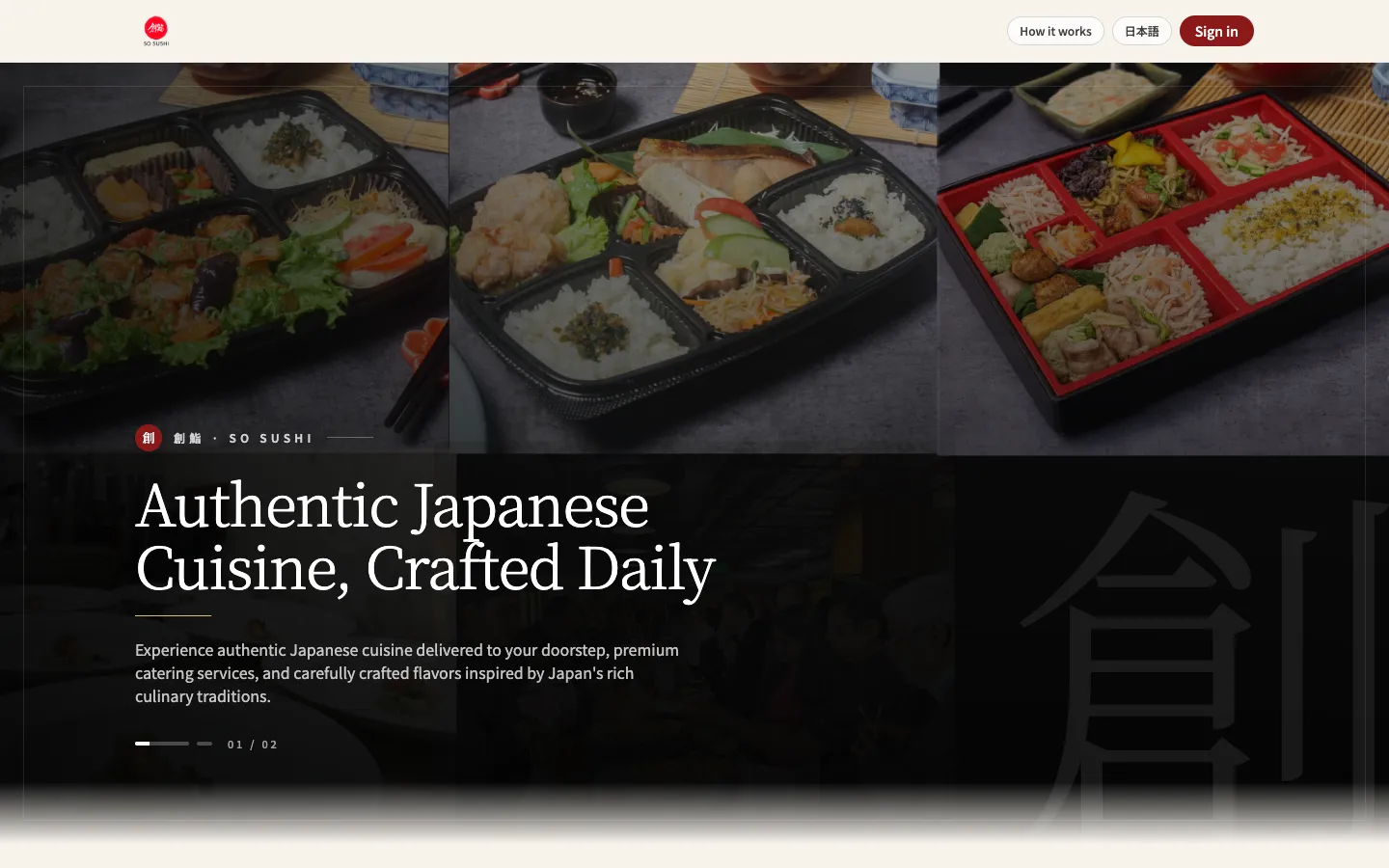
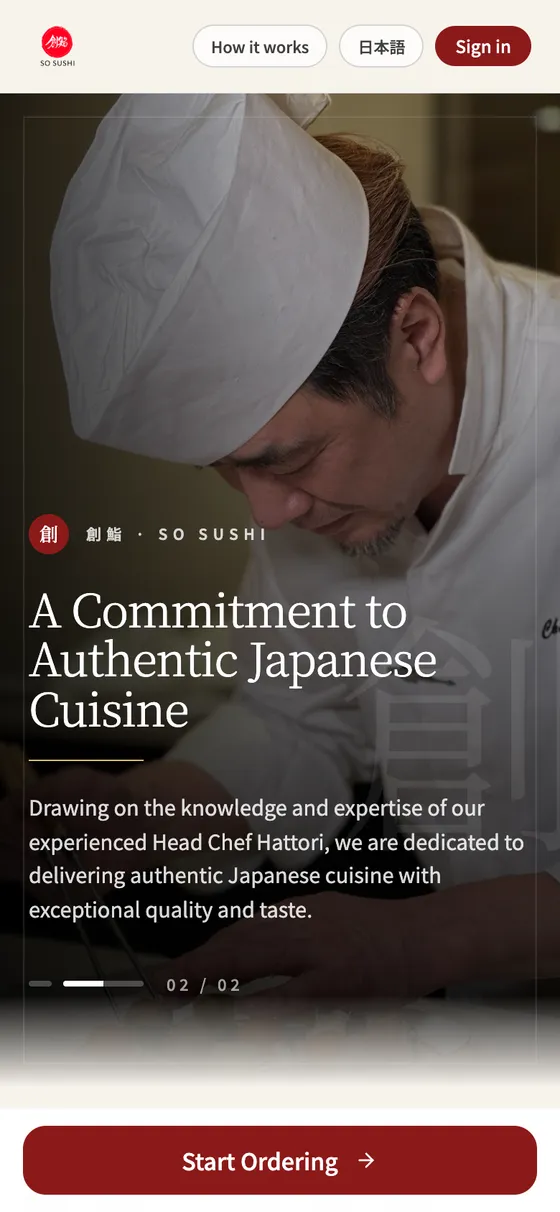
01 The challenge
What needed solving
SO SUSHI needed more than an ordering website: immediate orders, pre-orders and scheduled bento meals all had to reach the kitchen and the delivery team in the right order, at the right time.
02 What we built
One system, many parts
- Customer app
- Ordering
- Pre-order
- Scheduler
- Kitchen management
- Delivery
- Admin
Customer
- Browse menu
- Order now
- Schedule bento
- Select delivery slot
- Track order
Business
- Receive order
- Kitchen queue
- Prepare
- Dispatch
- Delivery
- Order history
03 Customer experience
What the customer touches
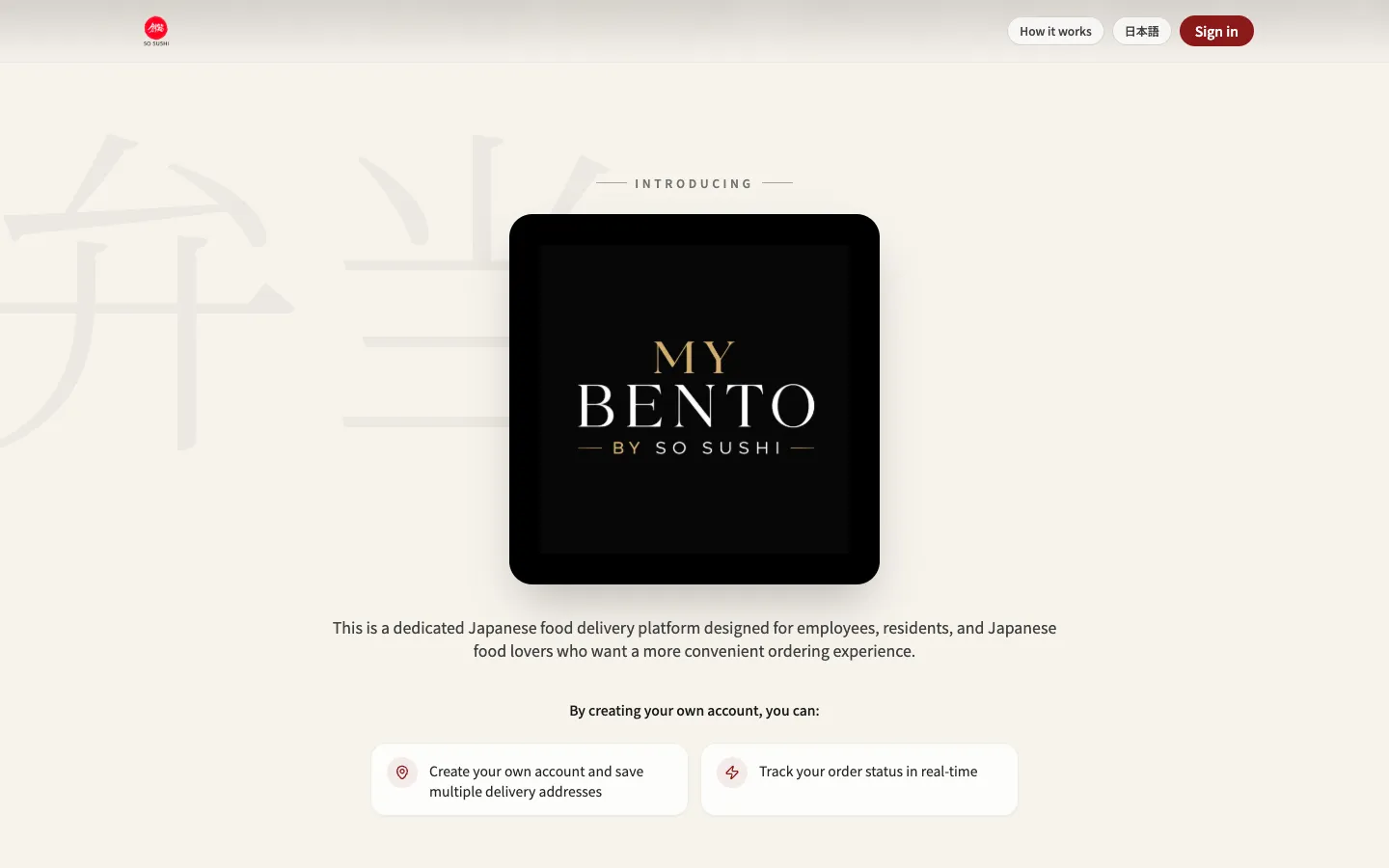
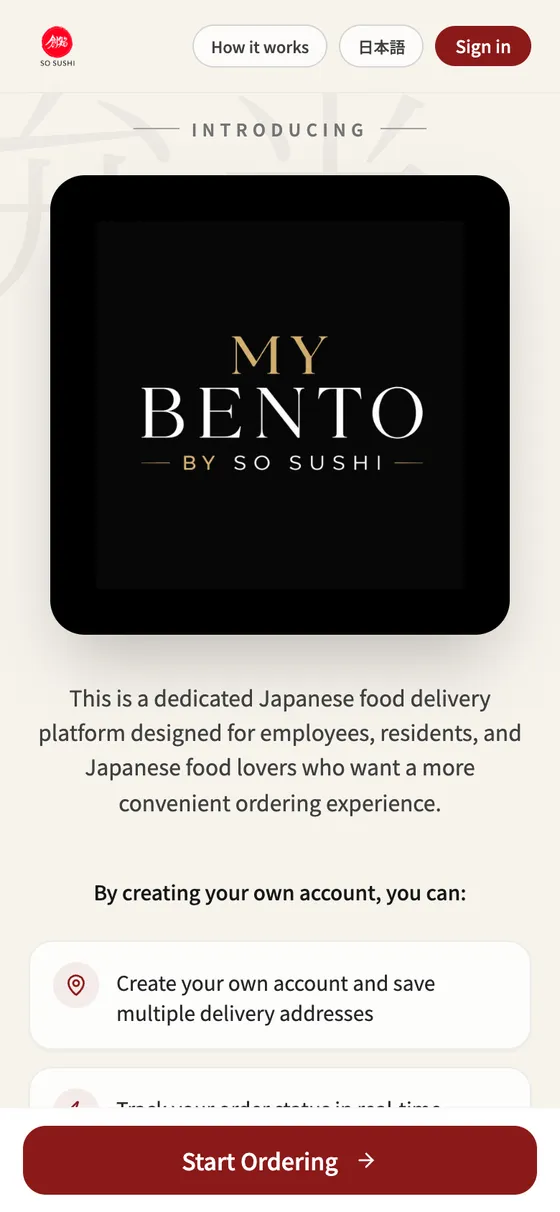
04 Business operations
What the team runs on
Business system03 / 05
Order received
- New order arrives with delivery slot
- Pre-orders & scheduled meals grouped by date
- Customer and address attached
- Customer
- Order
- Kitchen
- Packing
- Delivery
Business system04 / 05
Kitchen queue
- Orders sequenced by slot
- Prepare → Pack
- Status updates flow back to the customer
- Customer
- Order
- Kitchen
- Packing
- Delivery
Business system05 / 05
Delivery
- Dispatch by delivery slot
- Out for delivery → Delivered
- Order history for the business and the customer
- Customer
- Order
- Kitchen
- Packing
- Delivery
05 The flow
One order. From customer screen to kitchen counter to doorstep.
- 01Customer
- 02Order
- 03Kitchen
- 04Packing
- 05Delivery
06 The technology
Built in layers
- Customer experienceMenu, ordering, scheduling and tracking.
- Business logicSlots, pre-orders and scheduled meals.
- Real-time operationsKitchen queue and delivery status.
- DataCustomers, addresses and order history.